3270Web User Guide
3270Web is a browser-based IBM 3270 terminal client.
Screenshots
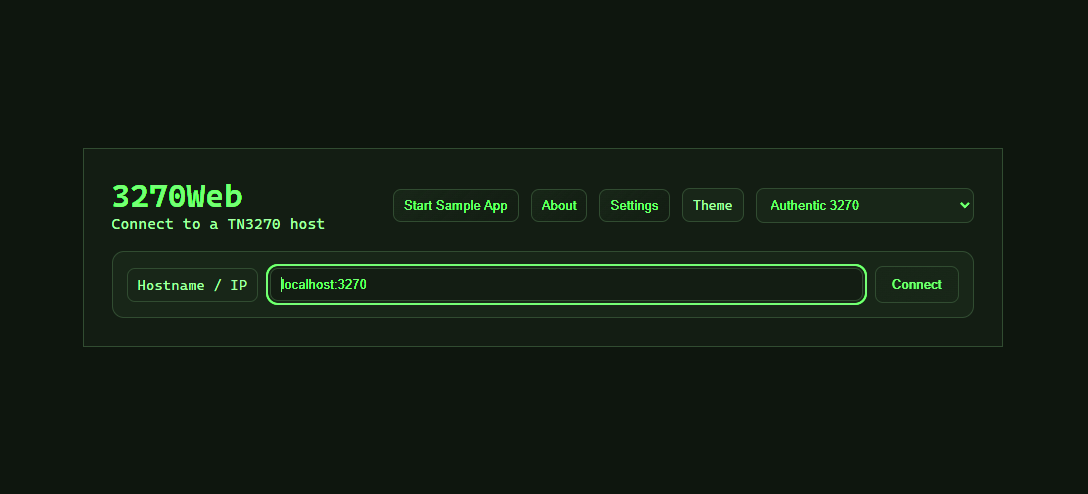
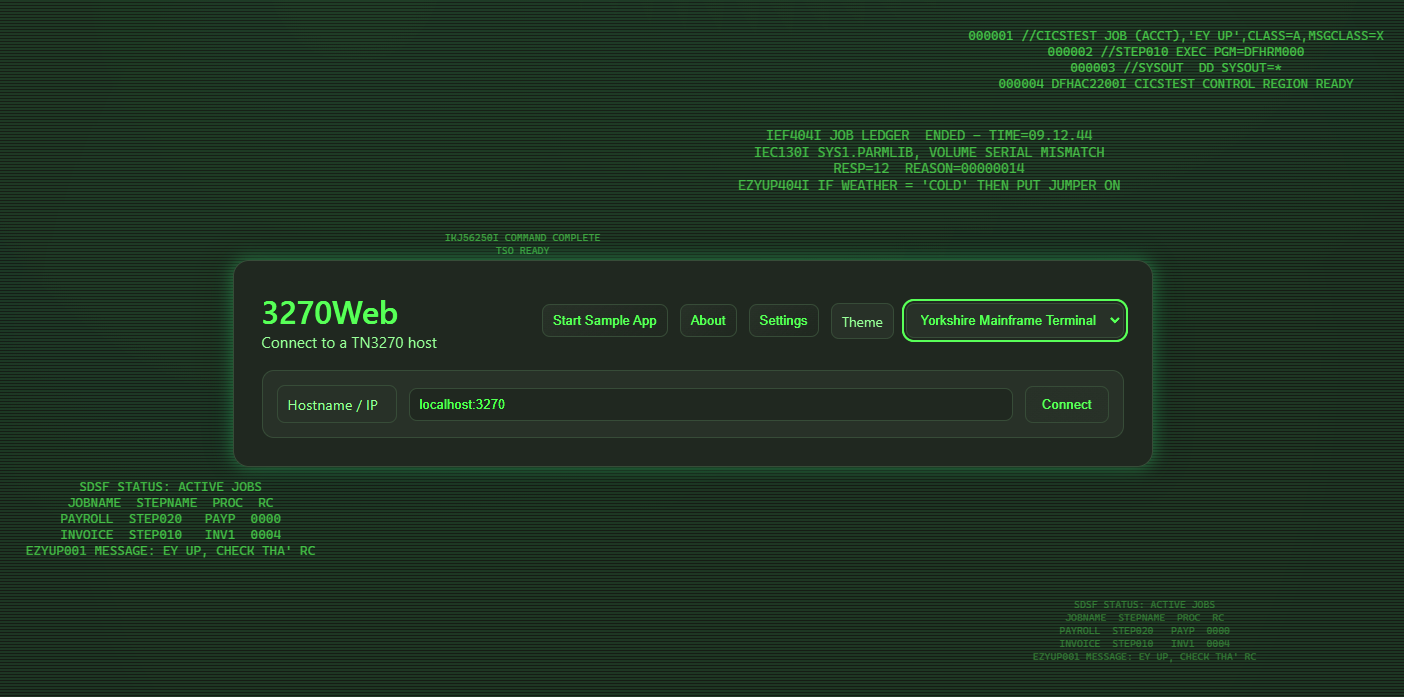
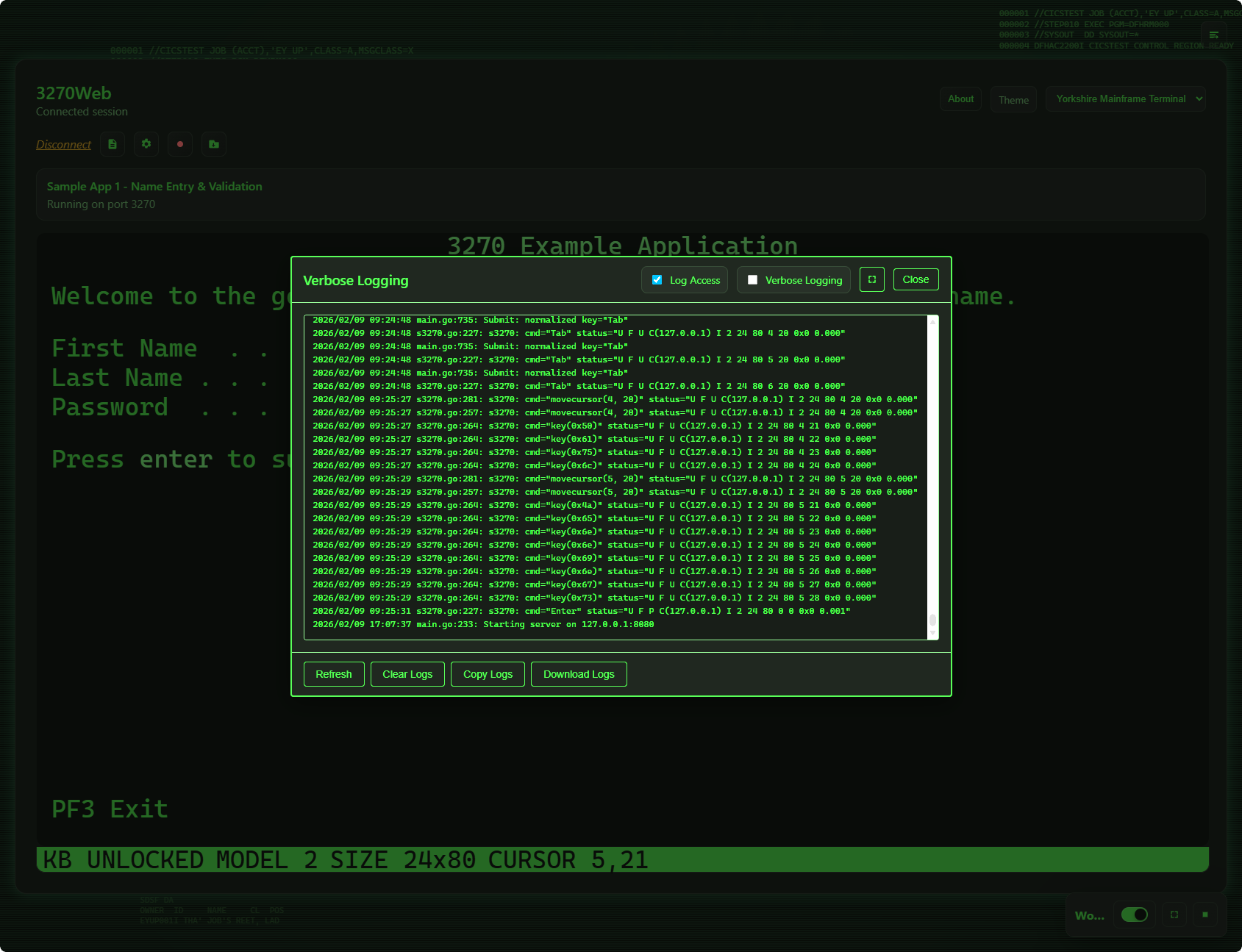
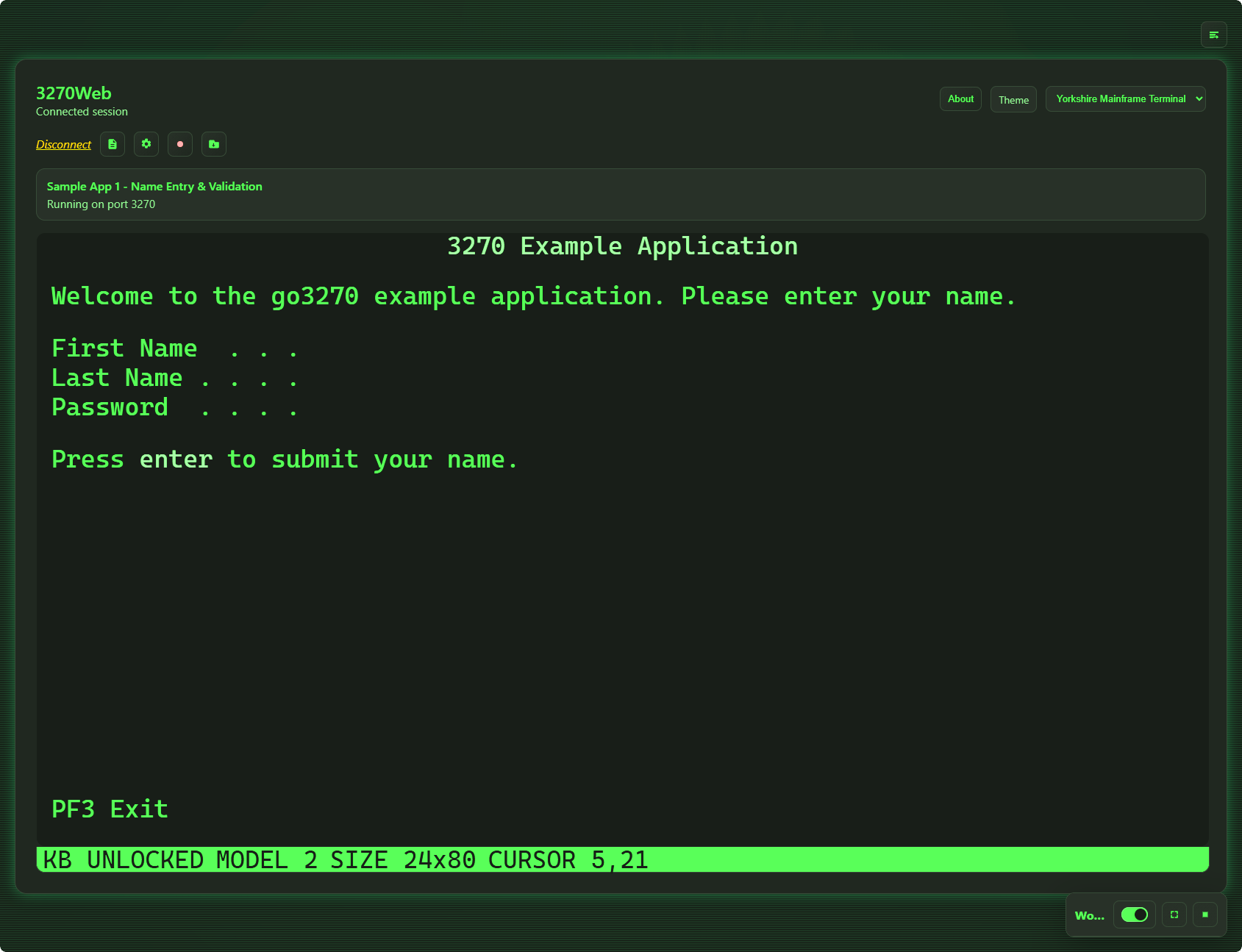
This guide focuses on daily use:
- Connect to a host
- Use terminal controls and keyboard shortcuts
- Record, load, play, and debug workflows
- Run chaos exploration and export generated workflow JSON
- Configure settings from the UI
First Session
- Open 3270Web in your browser.
- Connect to your target TN3270 host.
- Use the terminal session normally.
- Optional: record and replay repeatable tasks.